Repository navigation
@GettingStarted~iOS
Visual Studio for Mac is recommended because the iOS Simulator comes free of charge!
- Create a Xamarin.iOS project. Choose a Single View App to start.
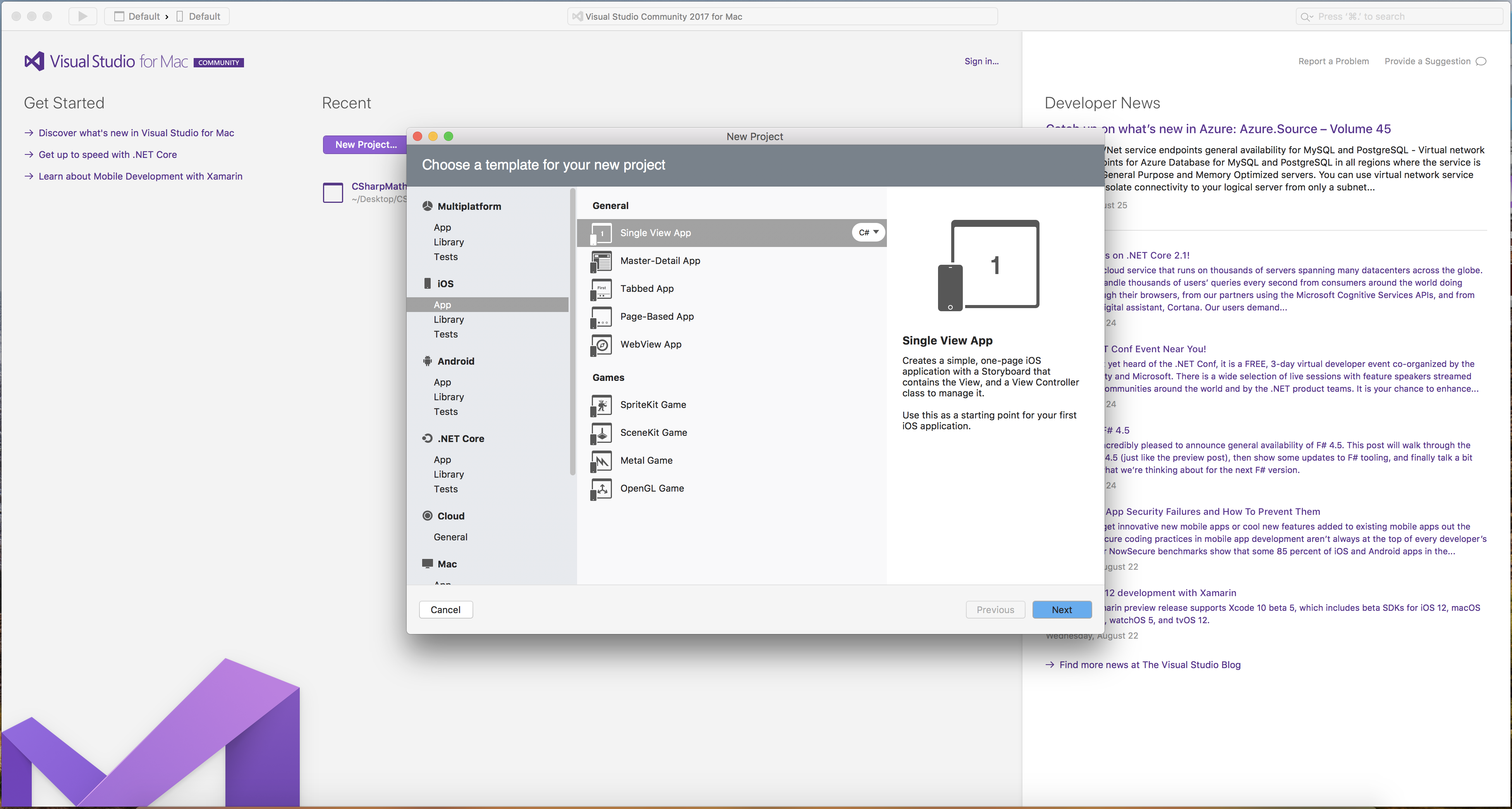
- After going through the configuration window, open the
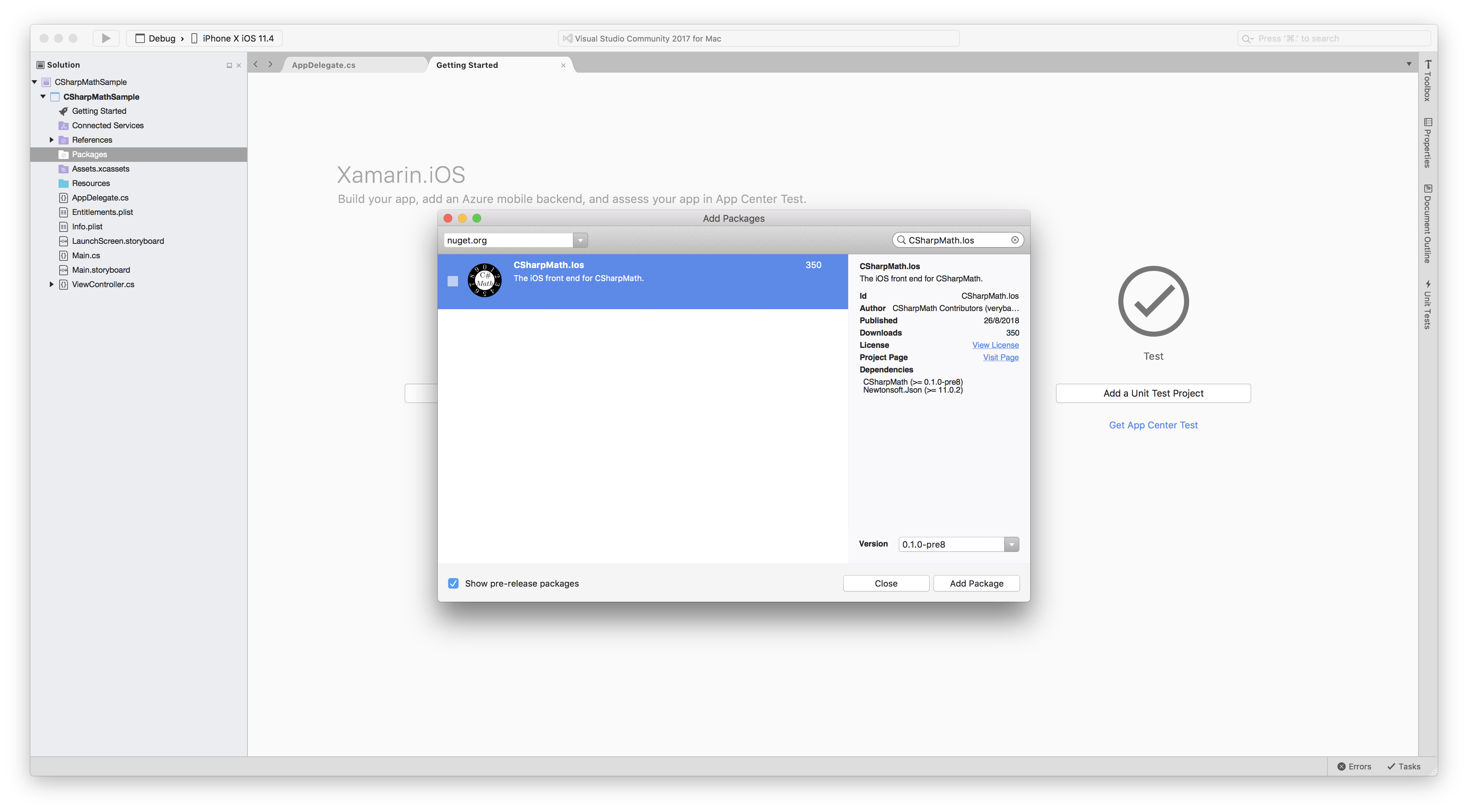
Add Packages...window and install CSharpMath.Ios.

- After installation, open ViewController.cs.
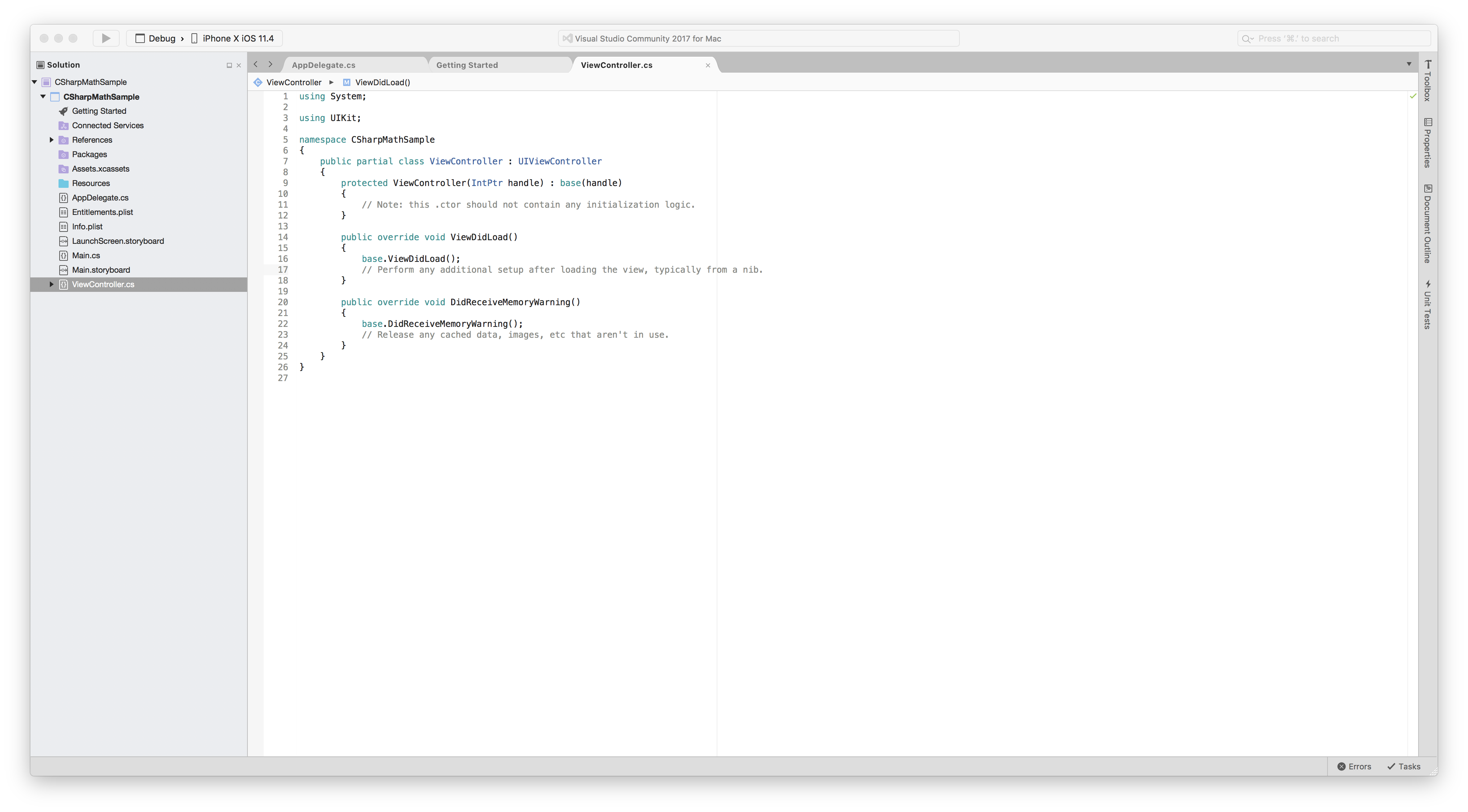
- Add
var latexView = CSharpMath.Ios.IosMathLabels.MathView(@"x = -b \pm \frac{\sqrt{b^2-4ac}}{2a}", 15);
latexView.ContentInsets = new UIEdgeInsets(10, 10, 10, 10);
var size = latexView.SizeThatFits(new CoreGraphics.CGSize(370, 180));
latexView.Frame = new CoreGraphics.CGRect(new CoreGraphics.CGPoint(0, 20), size);
this.Add(latexView);
below
// Perform any additional setup after loading the view, typically from a nib. under the ViewDidLoad() method.

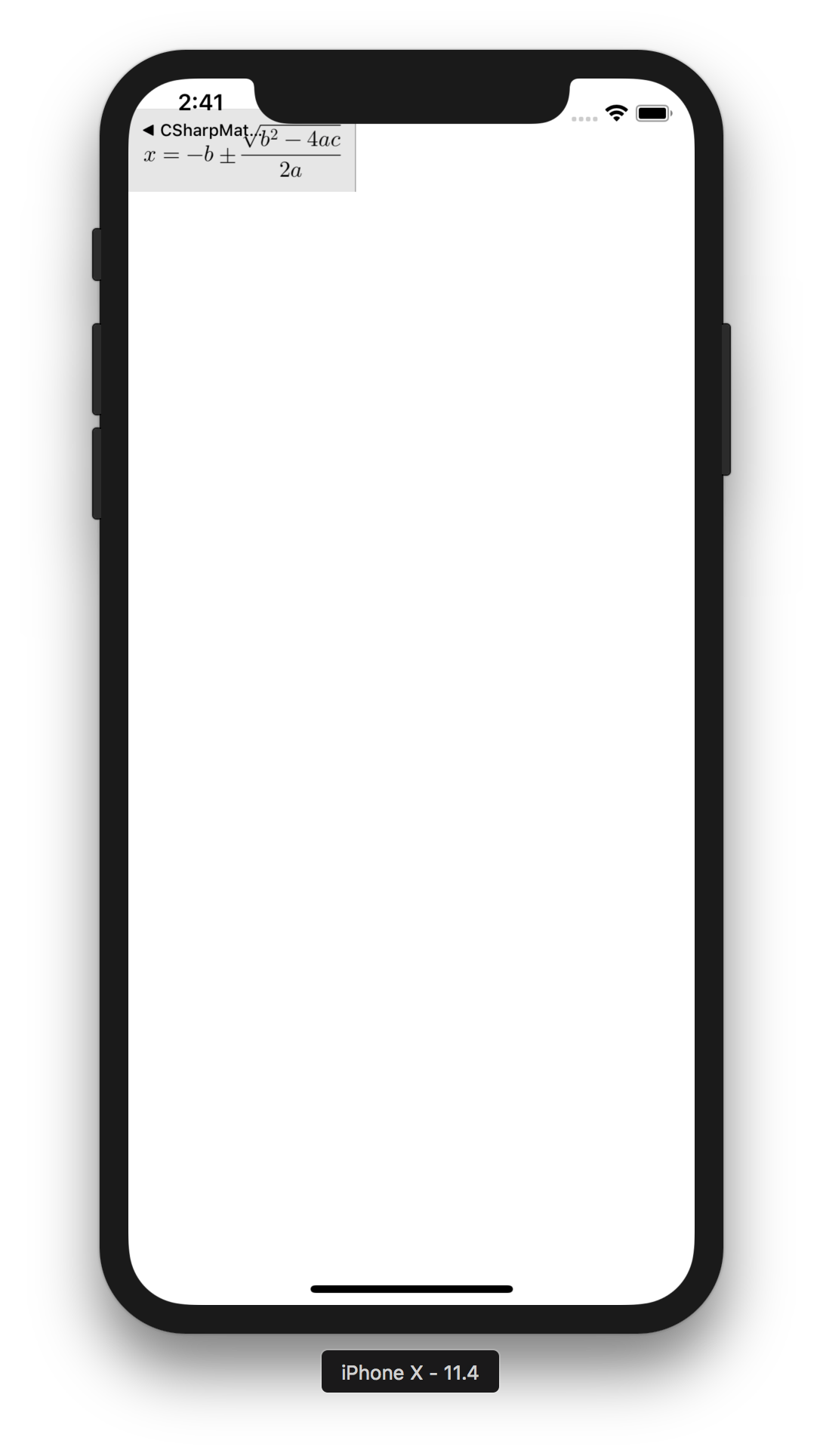
- Click the arrow button to run.
Welcome to the CSharpMath wiki!
This has now reached the point where the Quadratic Formula looks reasonable on iOS:
